Servers produce a steady stream of heat, day and night. Without the right cooling, that heat builds up quickly in a small, closed room, and the result can be slow systems, sudden shutdowns or damaged hardware.
This guide explains what server room air conditioning needs to do, the temperature and humidity levels to aim for, the main types of cooling system and how to size one. It also covers the maintenance and monitoring that keep your cooling, and your data, safe.
Why does a server room need dedicated air conditioning?
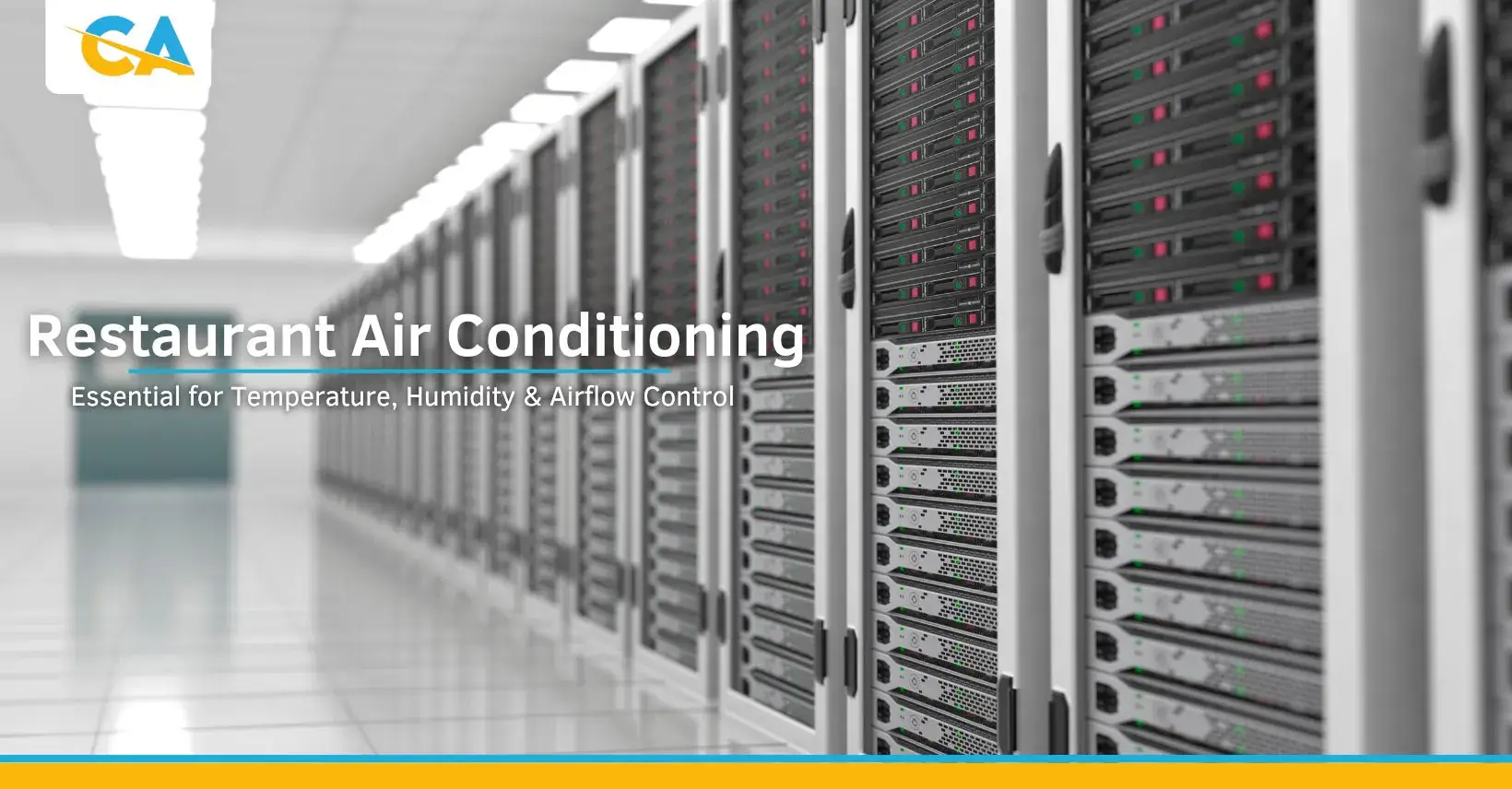
Almost all of the electricity that IT equipment uses ends up as heat. A rack of servers, switches and storage can warm a small room far beyond what an office would ever reach, and it does so 24 hours a day.
If that heat is not removed, components run hotter than they are designed for. Servers will slow themselves down to protect their processors, and if temperatures keep rising they will shut down altogether. Heat stress also shortens the life of drives and power supplies. Good server room cooling protects your equipment, keeps systems available and lowers the risk of data loss or corruption from an unplanned crash.
What temperature should a server room be?
ASHRAE, the body whose guidelines most data centres follow, recommends an inlet air temperature of 18-27°C for IT equipment. The key word is inlet: it is the air going into the front of the servers that matters, not the general room temperature.
Many businesses aim for the lower to middle part of that range to give themselves a safety margin if a unit fails. Running much colder simply wastes energy.
Humidity levels
Humidity needs controlling too. Air that is too damp can lead to condensation and corrosion on electrical parts. Air that is too dry increases the risk of static discharge, which can damage sensitive components. A relative humidity of around 40-60% is a common target for server rooms.
Airflow and hot spots
Even with enough cooling capacity, poor airflow can create hot spots where some racks run far warmer than others. The usual fix is a hot aisle and cold aisle layout, where racks face each other so cool air is drawn in at the front and warm air is pushed out the back. Blanking panels in empty rack spaces stop hot exhaust air looping back to the front. In larger rooms, a raised floor with perforated tiles can deliver cool air directly to the cold aisles.
Types of server room cooling systems
The right system depends on the size of the room, the heat load and how critical the equipment is.
Precision air conditioning
Precision units, often called CRAC (computer room air conditioning) units, are built for IT spaces. They control temperature and humidity closely, run continuously and are designed to handle the dry, steady heat that servers produce. They suit medium to large server rooms where tight control is essential.
In-row and close-coupled cooling
In-row units sit between server racks and cool the equipment from close range. Because the air has less distance to travel, hot spots are reduced and less energy is wasted. Extra units can be added as new racks go in.
Chilled water systems
Chilled water systems pump cold water to cooling units in the server room, where it absorbs heat before returning to a central chiller. They are an efficient choice for larger sites and data centres. Our chiller servicing and maintenance page explains how we look after this type of plant.
Split systems for small server rooms
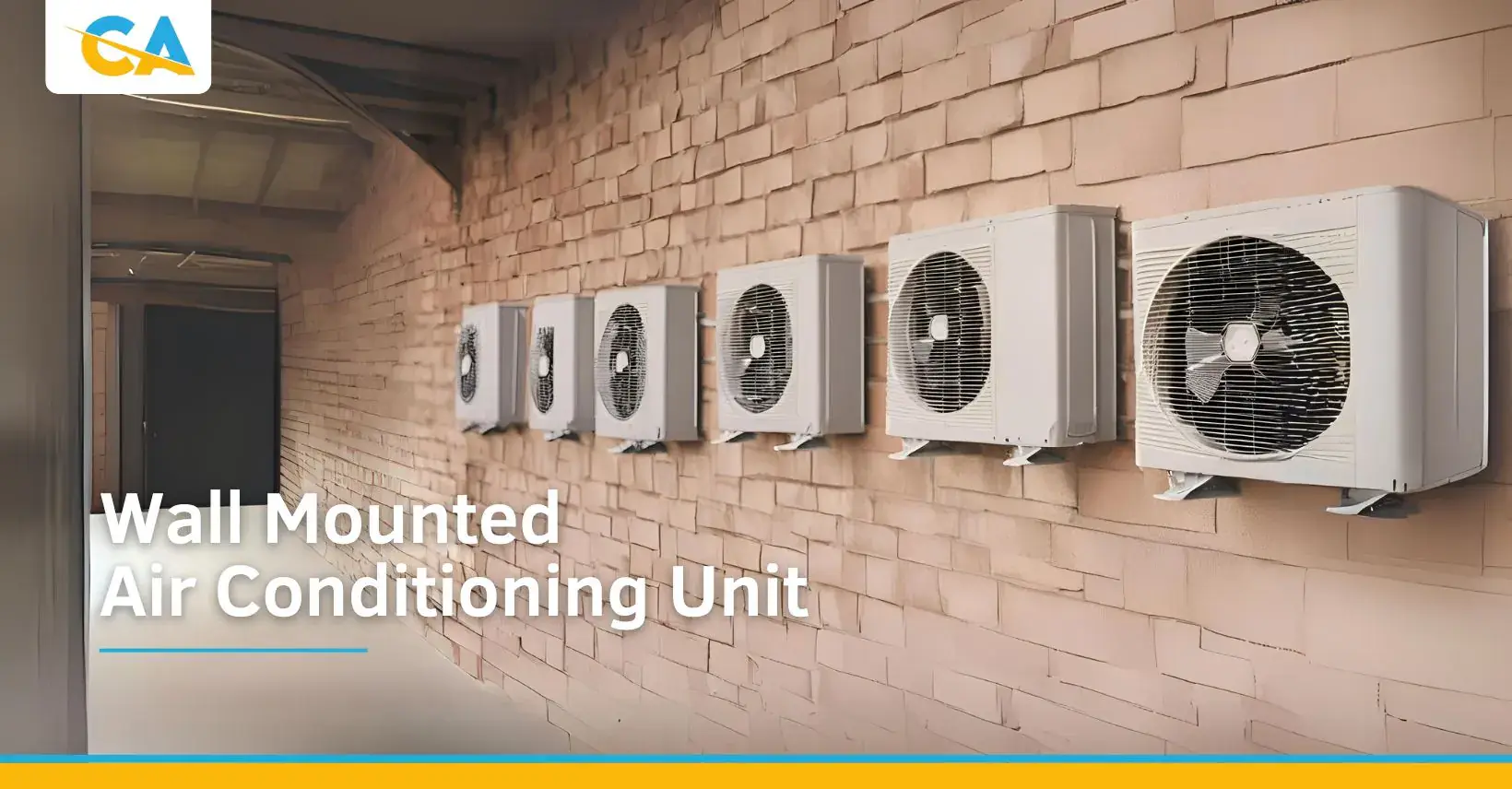
Smaller comms rooms with one or two racks are often cooled with a split system, such as a wall-mounted air conditioning unit. These can work well, provided the unit is sized for the heat load, rated to run all year round and, ideally, installed with a second unit as back-up.
How to size server room air conditioning
Sizing starts with the heat load. As a rule, every kilowatt of power your IT equipment draws produces close to a kilowatt of heat, so the total power use of your racks is a good starting point. Lighting, people and sunlight through windows then need adding on.
When we design commercial air conditioning for a server room, we also allow for growth, as most rooms gain equipment over time. For critical systems, plan for redundancy, often called N+1, which means having at least one more cooling unit than you need. If one fails or is being serviced, the others keep the room within safe limits.
Maintaining and monitoring your cooling
Server room cooling never switches off, so it needs regular care to stay efficient and to catch problems before they cause downtime.
Routine maintenance checks
A planned maintenance visit should include:
- cleaning or replacing filters so airflow is not restricted
- checking refrigerant levels and looking for leaks
- cleaning indoor and outdoor coils
- testing controls, sensors and condensate drainage
- checking that back-up units switch over correctly
We cover this in more detail on our air conditioning servicing and maintenance page.
Monitoring and alarms
Temperature and humidity sensors placed at rack inlets give you an accurate picture of conditions. Linking them to alarms, by text, email or a building management system, means someone is told straight away if readings move out of range, even outside working hours.
Common warning signs
Look out for rising rack temperatures, units running constantly without reaching the set point, ice on pipework, water leaks, or unusual noises. Clogged filters and low refrigerant are frequent causes and are usually simple to fix if caught early.
Choosing a server room cooling installer
Any work on refrigerant systems in the UK must be carried out by F-Gas certified engineers. Our team at Commercial Air Conditioning is REFCOM registered and F-Gas certified, with more than 20 years' experience installing, servicing and repairing air conditioning for commercial and industrial sites. We are based in Westhoughton, Bolton, and support businesses across the UK.
If you are planning a new server room or need to improve cooling in an existing one, get in touch to arrange a free site survey and quote.
Frequently asked questions
Can I use a normal office air conditioner in a server room?
Sometimes, in a small room with a light heat load. Standard comfort units are designed for people, not constant equipment heat, so they need to be sized correctly and able to run all year. For larger or critical rooms, precision cooling is the safer choice.
Does a server room need cooling in winter?
Yes. The servers produce the same heat whatever the weather outside. Your system must be able to cool reliably in cold conditions, which some standard units are not set up to do.
What happens if the server room air conditioning fails?
Temperatures can rise very quickly. Servers may slow down, then shut off, and hardware can be damaged. A back-up unit and an alarm system give you time to respond before this happens.
How much does a server room air conditioning service cost?
Our annual air conditioning service costs £85 plus VAT. Server rooms with several units or more complex plant may need extra visits, which we can price after a survey.
Categories: Uncategorized